Product Craft
We design tools that feel focused, fast, and refined during real startup work.
Company
Sahinov starts with a focused generator demo and grows toward API access, saved prompt history, private workspaces, and reliable image delivery.
Prompt
describe the image you want
Style
choose a visual direction
Export
download or refine the result
Current Sahinov build includes
6
starter visual styles for fast generation
4
preview variants inside the workspace
3
common aspect ratios for social and product work
API
ready for a secure generation backend
What We Value
The product direction is simple: make generated images easier to brief, compare, reuse, and ship.
We design tools that feel focused, fast, and refined during real startup work.
We treat job state, delivery, privacy, and usage tracking as part of the customer experience.
We build AI workflows that support human direction rather than replacing taste.
We keep APIs and workflow primitives understandable so builders can ship.
We prioritize secure access, controlled workflows, and transparent roadmap language.
We build for durable creative workflows, not one-off novelty demos.
Use Cases
The first templates are built around common startup needs: product shots, launch graphics, developer visuals, and brand scenes.
Company
A focused build around prompt quality, generator UX, API structure, and image workflows.
Trust
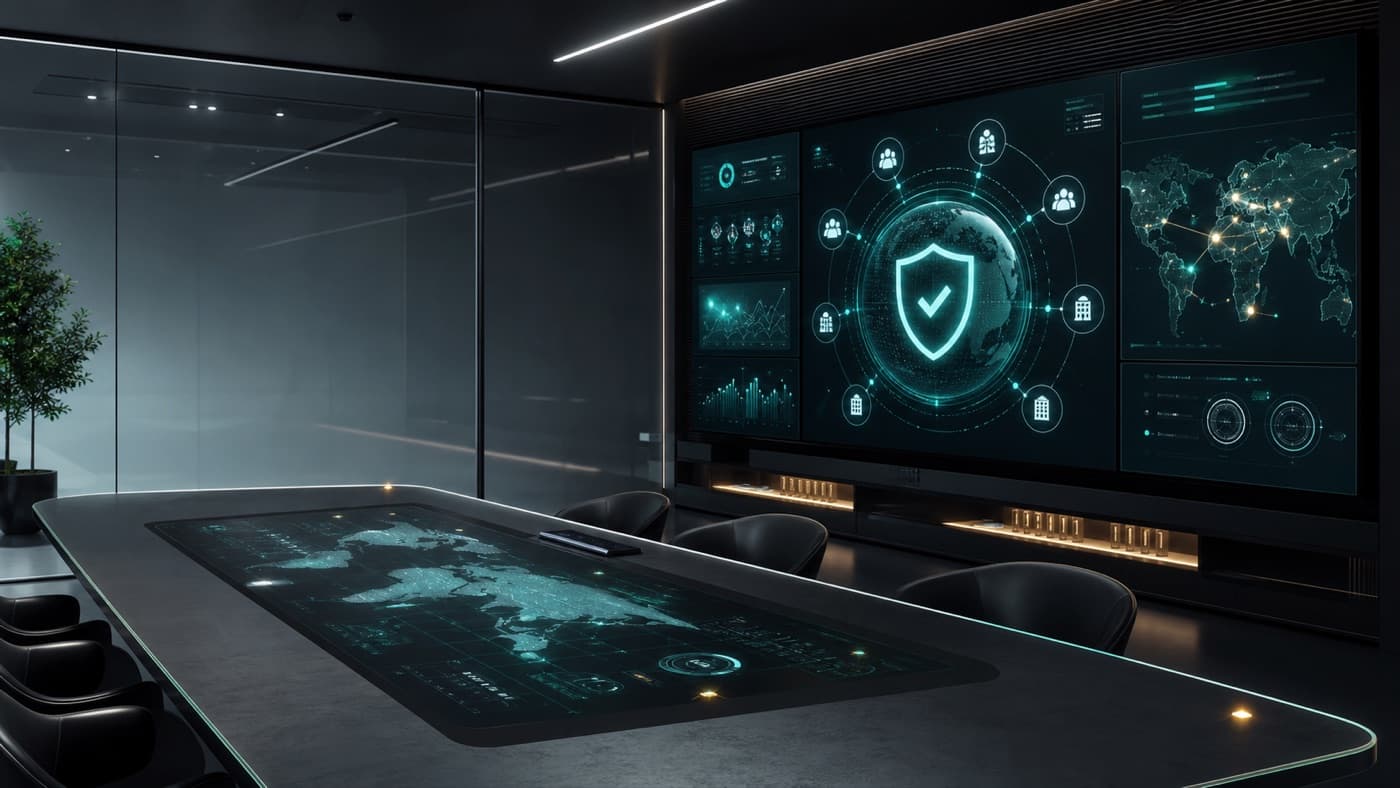
A product direction designed for teams that care about prompt privacy and asset handling.
Quality
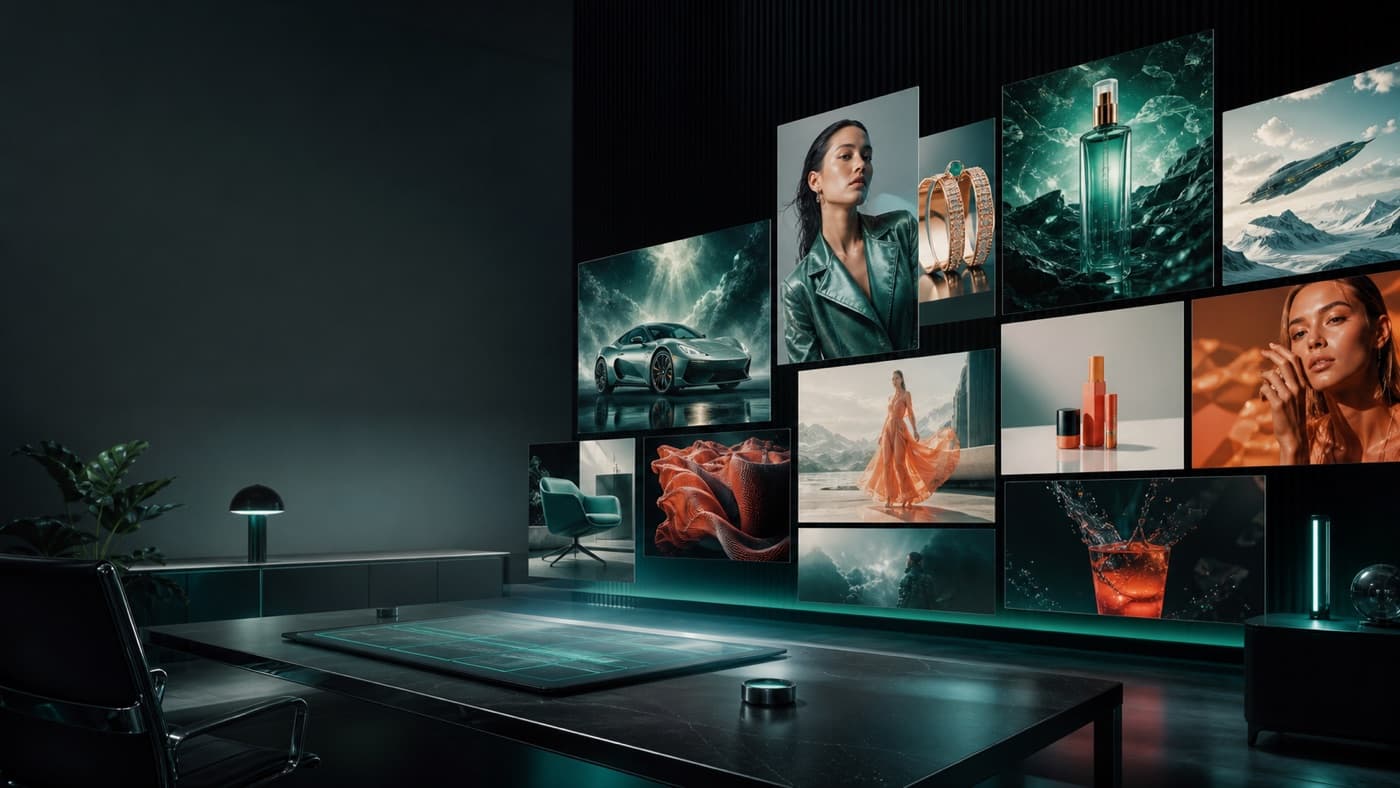
A visual output bar for brand, campaign, and product storytelling.
Generator Flow
Sahinov keeps the workflow understandable so early users can move from a rough idea to a usable visual direction quickly.
Start from a plain prompt or choose a template for product, social, or hero visuals.
Pick a direction like product shot, cinematic, 3D render, luxury, or social ad.
Compare generated variants and keep the strongest direction moving forward.
Download the selected visual, copy the prompt, or prepare the flow for API generation.
Build Notes
Sahinov is being presented as an early product: focused generator first, secure API next, account history after that.
“The first Sahinov release is intentionally focused: prompt templates, style presets, preview variants, and export actions before larger team features.”
Sahinov product note
Current build focus
“The next product milestone is a secure generation API with prompt history, account workspaces, usage visibility, and safer asset handling.”
Sahinov roadmap
Next milestone
“Sahinov is being shaped for founders, marketers, and small teams who need product shots, launch visuals, social ads, and hero images quickly.”
Sahinov audience
Who it serves
Reality Check
What is already visible in the product demo, what is planned next, and how early users can reach Sahinov.
The current website includes an interactive generator workspace demo with prompt controls, style presets, variants, and export actions. The live backend generation API is the next product layer.
The first use cases are product shots, startup hero visuals, social ads, campaign concepts, and clean brand imagery for founders and small teams.
Sahinov will present clear usage guidance before launch. As with any AI image tool, teams should review rights, model/provider terms, and brand safety before publishing assets commercially.
Email [email protected] with the kind of visuals you want to generate, the expected volume, and whether you need API access or a simple web workspace first.
Next Step
Open the current demo, test prompt templates, compare variants, and tell us what image workflows your team needs next.